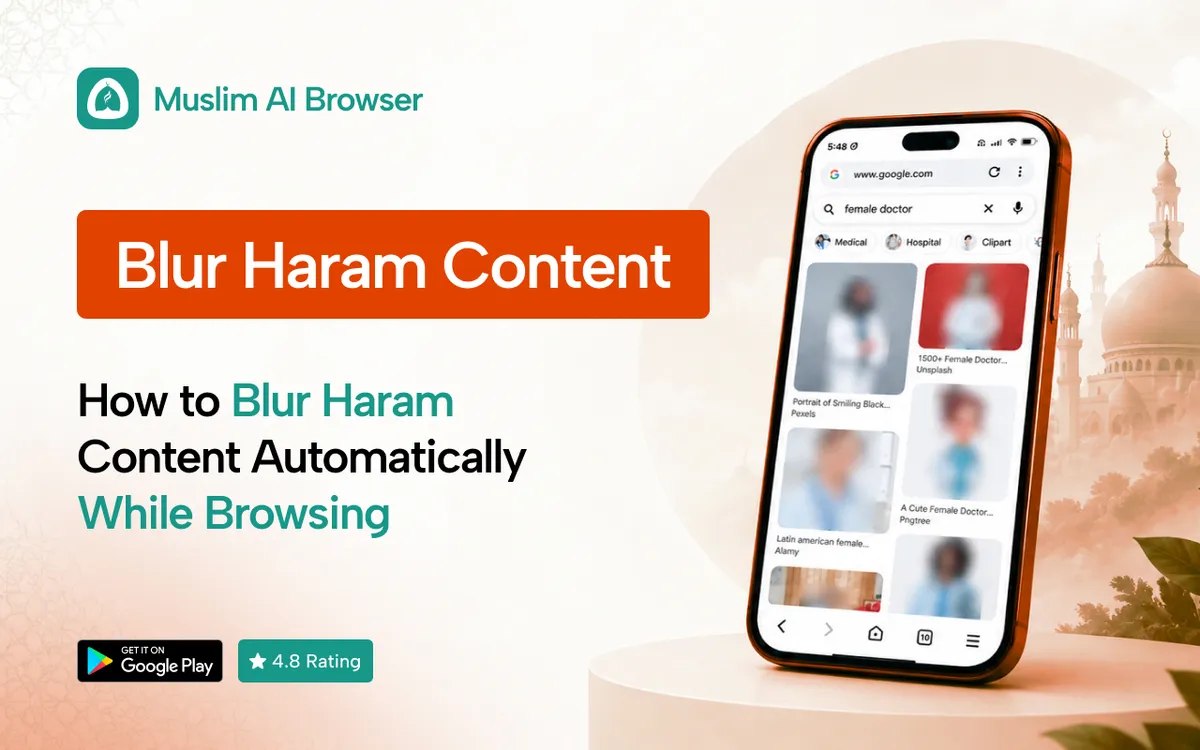
Want to blur haram content before it ever reaches your eyes? You are not alone, and you are not asking too much.
We all open a news site or a social feed and get hit by an image we did not choose. It happens to the best of us, many times a day.
The good news is that you do not have to fight every image by hand. A small bit of setup can do most of the work for you.
In short: Install a browser with on-device AI blur, such as Muslim AI Browser on Android, and keep the filter switched on.
It will blur haram content in images and videos as pages load. On a laptop, add the Porda AI extension to Chrome or Edge.
Why Blur Haram Content at All?
The Islamic reason
Allah says, in meaning: tell the believing men to lower their gaze and guard their private parts, that is purer for them (Surah An-Nur 24:30).
The next ayah gives the same command to believing women (Surah An-Nur 24:31).
The Prophet, peace be upon him, told Ali not to follow one glance with another. The first glance is forgiven, but the second is not.
Scholars explain that the sudden first look is not our fault. The effort is in turning away, and a tool that helps you blur haram content is simply support for that effort.
For rulings on your own situation, please ask a trusted local scholar. This guide only covers the practical side.
The practical reason
Screens move fast. By the time you think "look away", the image is already seen.
Automatic blur buys you that half second. You see a soft blur first, and you decide whether to look at all.
If you want the wider picture, our main guide to haram blur explains the idea from the start.
How Automatic Blur Works
On-device AI, not a blocklist
Old filters used lists of bad websites, sometimes called blocklists. They could block a whole site, but they could not see what was on a normal page.
Modern tools use AI to look at each image. If it looks inappropriate, the tool blurs it before it fully shows.
This is what lets you blur haram content on a normal news site, a shop or a blog. You do not need to block the whole site to stay safe.
Why on-device matters
Some tools send your images to a server to be checked. That means a copy of what you see leaves your phone.
An on-device AI content filter checks images right on your phone. Nothing is uploaded, and it can even work offline.
What it can and cannot do
AI blur is not perfect, and we want to be honest about that. It can miss an image, or blur a harmless one, like a hand or a plain object.
Think of it as a strong seatbelt, not a force field. It lowers the risk a lot, but your own care still matters.
Step by Step: Blur Haram Content on Android
Here is the simplest way to blur haram content on an Android phone. It takes about five minutes.
Step 1: Install Muslim AI Browser
Open Google Play on your phone and search for Muslim AI Browser. It is free, has no premium tier, and needs Android 7.0 or newer.
Step 2: Open the browser settings
Tap the menu in the browser and open settings. Look for the content filter or AI blur options.
Step 3: Turn on AI Haram Blur
Switch on AI Haram Blur. From now on, inappropriate images and videos are blurred as each page loads.
Step 4: Turn on Safe Gaze if you want it
Safe Gaze blurs images of the opposite gender. It is a helpful extra step for lowering the gaze, and you can learn more in our Safe Gaze guide.
Step 5: Check the default filters
The adult content filter and gambling site blocker are on by default. Malicious site protection helps keep harmful sites away too.
You can also switch on the optional ad blocker. Fewer ads means fewer surprise images.
Step 6: Make it your main browser
Set Muslim AI Browser as your default browser in Android settings. That way, links from chats and emails open with the blur already on.
Step 7: Test it on a normal day
Browse your usual news sites and feeds for a day. Notice what gets blurred and what slips through.
If something harmless keeps getting blurred, you can simply tap to view it when you judge it safe.
What to expect in the first week
The first few days may feel different. You will see soft blur boxes where images used to be.
Most people get used to it fast. After a week, many say browsing feels calmer and less tiring.
You may also notice you scroll less. When the flashy images are gone, there is less pull to keep going.
Common problems and quick fixes
A few things can trip people up in the first week. Here is what usually helps:
• Links open in another browser. Set Muslim AI Browser as the default, then open the link again.
• You still use the native apps. Log in to Facebook, Instagram and YouTube inside the browser instead.
• A harmless image gets blurred. That is normal for any AI. Tap to view only when you are sure it is fine.
• An image slips through. Close it, look away, and move on. No filter will blur haram content with total accuracy.
• Pages feel slow. Close old tabs and check your connection first, since the blur itself runs on the phone.
Blur Haram Content on Social Media
Social media is where most people struggle. Feeds are endless, and they are built to keep you scrolling.
Facebook and Instagram
Facebook has no native switch to turn off Reels, suggested posts or People You May Know. You can only hide or snooze items one by one.
In Muslim AI Browser, you can use the real Facebook and Instagram with filters. Ads, sponsored posts, suggested posts, friend suggestions and stories are blocked, and Reels are gone.
Empty slots show inspirational Islamic quotes instead. For more detail, read how to blur images on Facebook step by step.
YouTube
Since April 2026, YouTube lets you set the Shorts feed time limit to 0 minutes. Shorts can still appear in subscriptions and through shared links, so it is not a full fix.
You can read more on the official YouTube Help site. In Muslim AI Browser, YouTube Shorts are blocked, and AI blur still works on images.
Thumbnails are a common problem too. Our guide shows how to blur YouTube thumbnails so your home page stays calm.
A simple social media habit
Use social media in the filtered browser, not in the native apps. The native apps cannot be filtered by the browser at all.
Many people find this single change does more than any setting. It removes Reels, ads and most surprise images in one move.
Blur Haram Content on Desktop
Laptops need the same care. Many of us work, study and relax on the same screen.
The Porda AI extension brings on-device AI blur to Chrome and Edge. It works on Windows, macOS and Linux.
This matters most for students and remote workers. You may spend hours on research sites, where surprise images and ads show up often.
Install it from your browser's extension store, then pin it to the toolbar. Check its options once, and it runs quietly in the background.[SR10]
Extra Tips to Protect Your Eyes
Use Masjid Mode at the mosque
Before you enter the mosque, switch on Masjid Mode. The browser then shows text only, with no images or videos.
It is a small way to keep the masjid a calm place for your heart. It also helps if you need to check a prayer time or a message.
Keep your data private
A tool that helps you blur haram content should not spy on you. Muslim AI Browser has zero data collection, so your history, bookmarks and searches stay on your device.
There is no tracking and no cloud uploads. The app is also lightweight and easy on your battery.
Pair tools with good habits
No app can replace intention. Keep your phone out of the bedroom at night if you can.
Unfollow accounts that often post images you would rather avoid. Fill the gap with beneficial content, like Quran recitation or lectures you love.
A note for parents
If you are setting this up for your children, talk with them first. Explain why you want to blur haram content, in words they understand.
Children who understand the reason are more likely to keep the tools on. Make it a family value, not a punishment.
Set the filtered browser as the only browser they use. Then sit with them for the first few days and answer their questions.
Other halal browsers you may see
You may also hear about other options. HaramBlur is a free Android app that works as an overlay on top of other apps, and it also has browser extensions.
Kahf Browser and Tahir Browser are halal browsers too. Compare what each one collects and where its AI runs before you choose.
Be gentle with yourself
If you slip, do not give up. Make tawbah, close the page, and keep going.
Allah loves those who keep turning back to Him. The goal is steady effort, not a perfect record.
FAQ
How can I blur haram content automatically on Android?
Install a browser with on-device AI blur, like Muslim AI Browser, and switch on its blur filter. Images and videos are then blurred as pages load.
Is there a free app to auto blur inappropriate images?
Yes, Muslim AI Browser is free on Google Play with no premium tier. It blurs inappropriate images on your device.
Does a haram content filter work offline?
Muslim AI Browser's AI Haram Blur runs fully on the device. It works offline, and no images are sent to servers.
Can I blur haram content on iPhone?
Muslim AI Browser is Android only for now. On a Mac, you can use the Porda AI extension in Chrome or Edge.
Does AI blur catch everything?
No. AI blur can miss some images or blur harmless ones, so keep your own guard up as well.
Can I blur haram content in the Instagram app?
The browser cannot filter the native Instagram app. Open Instagram in Muslim AI Browser instead to get the blur and the filters.